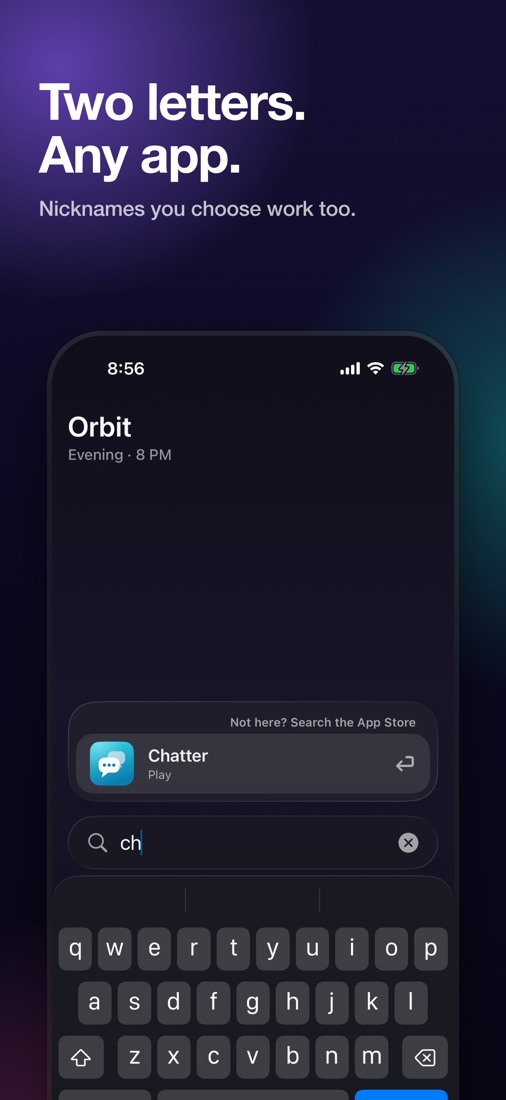
Two letters. Any app.
Search every app you've added. Give apps nicknames to find them your way.
- Widget
- Lock Screen
- Control Center
- Siri
- Action Button
Your Home Screen doesn’t know what time it is. Orbit does. It learns which apps you open at which time of day, on your iPhone, and keeps them one tap away.
Download on theApp Store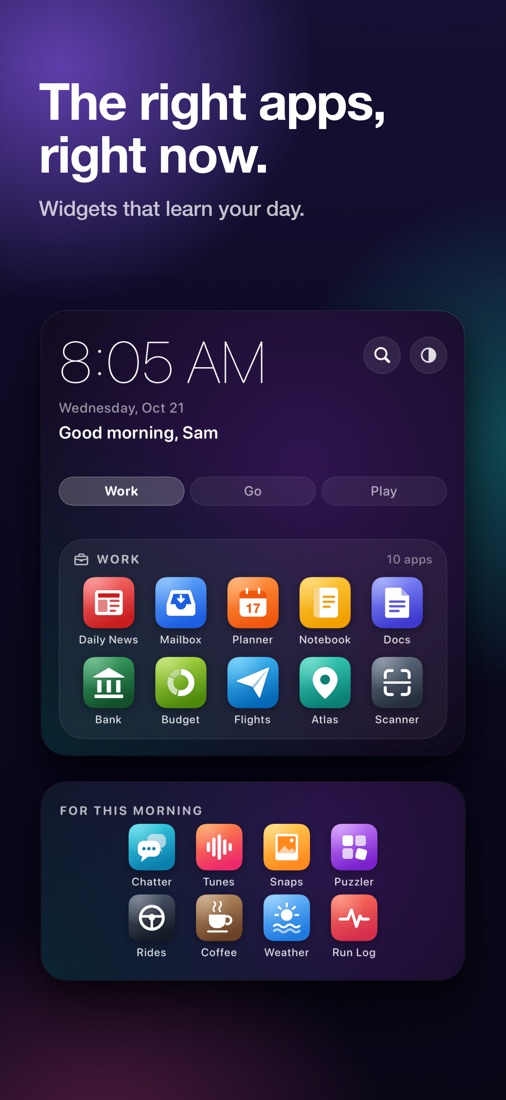
Now
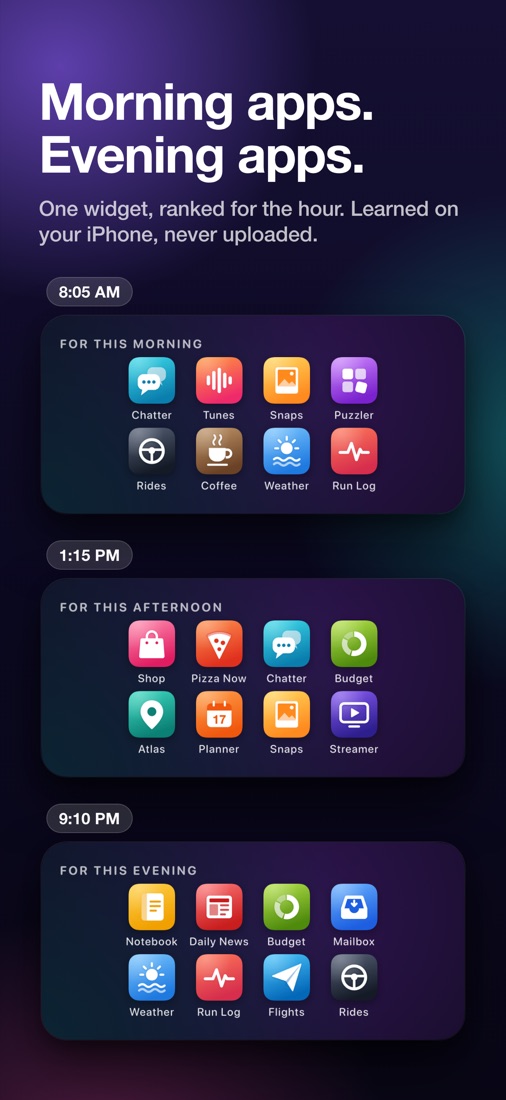
One widget, ranked for the hour. What does your 9 PM look like? Drag the sun around the day and see.
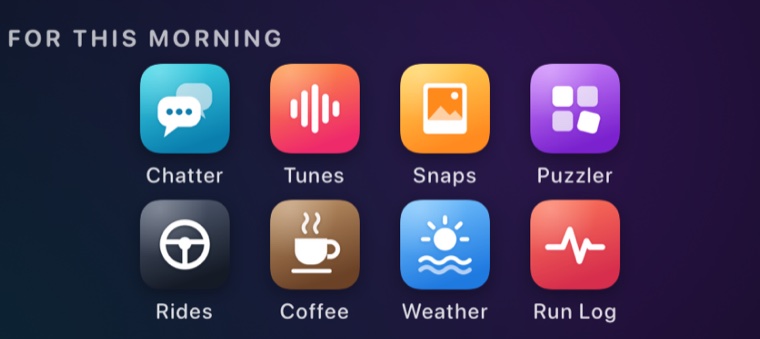
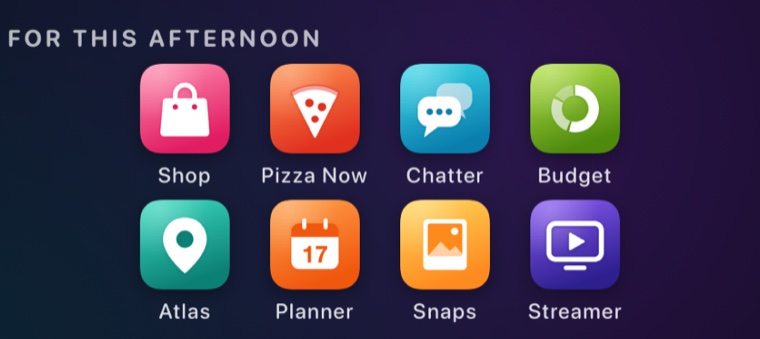
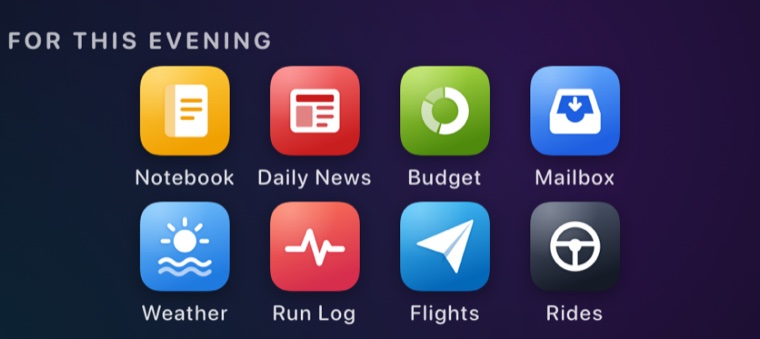
Learned on your iPhone, never uploaded. Shown with sample apps.
What's inside
Search every app you've added. Give apps nicknames to find them your way.
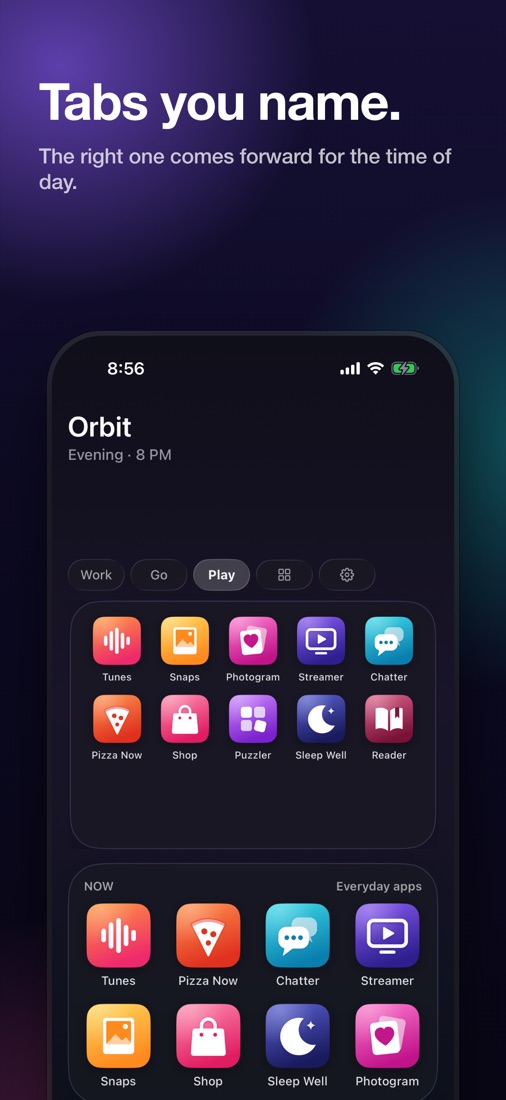
Work, Social, Travel. Arrange them your way. The right tab comes forward for the time of day.
The apps you're most likely to open this hour, on a medium widget.
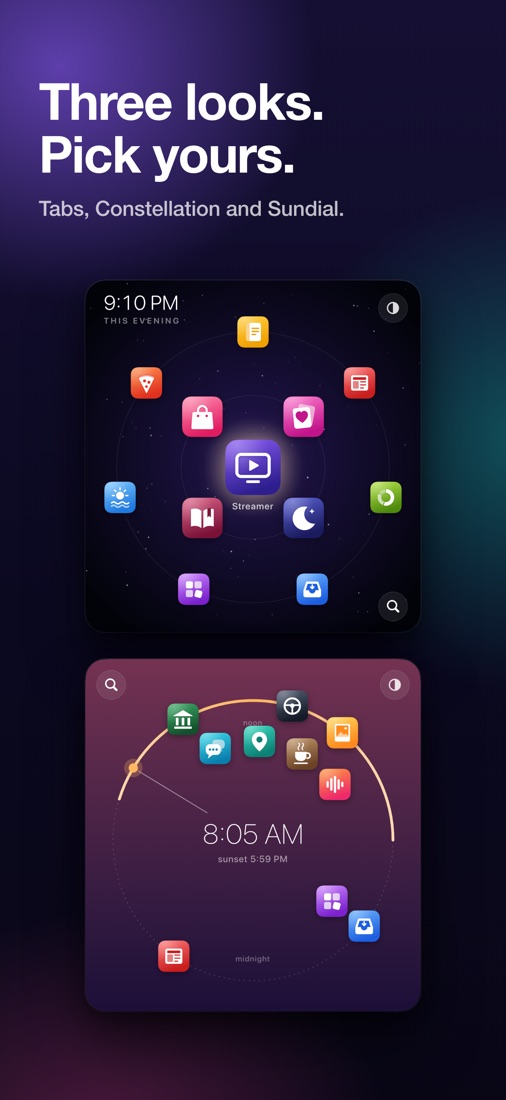
Three large-widget styles. Pick yours.
Each app opens through its own link. Apps without one open on their App Store page, where one tap opens them.
A closer look
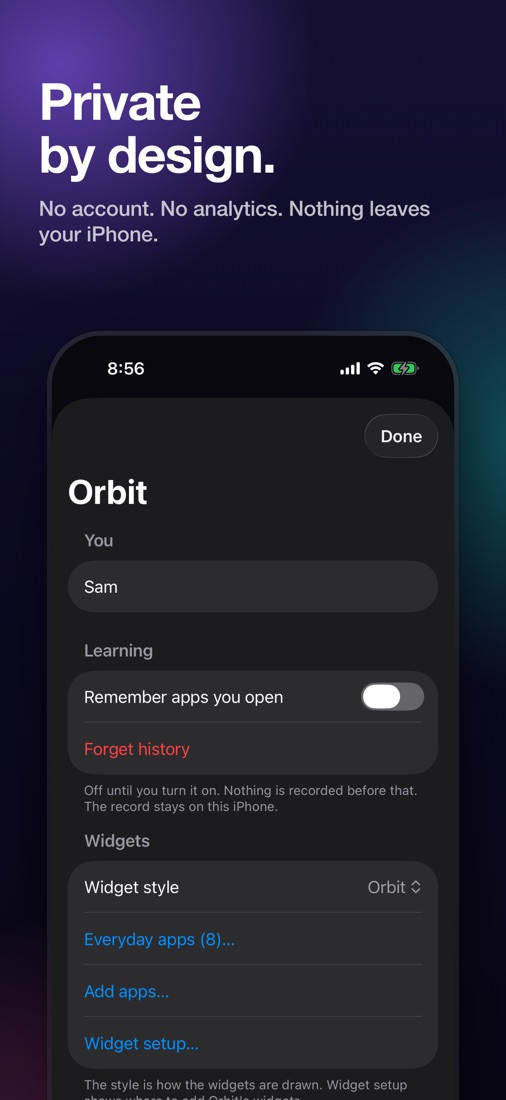
Private by design
Off until you turn it on. Nothing is recorded before that.
As shown on the App Store listing.
Getting started
Share your iPhone's App Privacy Report with Orbit and it lists the apps you use, most used first. The report is read on your iPhone. Or type an app's name.
Orbit notices which apps you open at which time of day. Your morning apps before work, your evening apps at night.
Put Orbit on your Home Screen. It works alongside your Home Screen and App Library.
Questions
Everything people ask before they let an app near their Home Screen.
Orbit is a set of iPhone widgets that shows the apps you need right now. It learns, on your iPhone, which apps you open at which time of day and keeps them one tap away.
If you turn learning on, Orbit notes which apps you open at which time of day, on your iPhone, and ranks the widget for the hour. Learning is off until you turn it on, and you can forget the record at any time.
No. Orbit has no account, no analytics and no tracking, and its App Store privacy label is “Data Not Collected.” The only thing it asks the internet is the App Store’s own search, when you add an app.
Share your iPhone’s App Privacy Report with Orbit and it lists the apps you use, most used first, or type the name of an app you have. The report is read on your iPhone and goes nowhere.
Yes. Two letters find any app you’ve added, from the widget, the Lock Screen, Control Center, Siri or the Action Button, and you can give apps nicknames.
Orbit has three large-widget styles: Tabs, Constellation and Sundial, plus a medium Now widget with this hour’s apps.
Orbit is free for three days, then $3.49 per month in the United States. Prices in other countries are shown before you subscribe, and you can cancel in Settings.
An iPhone running iOS 26 or later.
No. Orbit works alongside your Home Screen and App Library.
The apps you need, right when you need them.
Download on theApp StoreThree days free, then $3.49 a month in the US.
Payment is charged to your Apple Account when the free trial ends. The subscription renews monthly unless cancelled at least 24 hours before the end of the current period. Manage or cancel in Settings, under your name, Subscriptions. Prices in other countries are shown before you subscribe. Requires iPhone with iOS 26 or later.